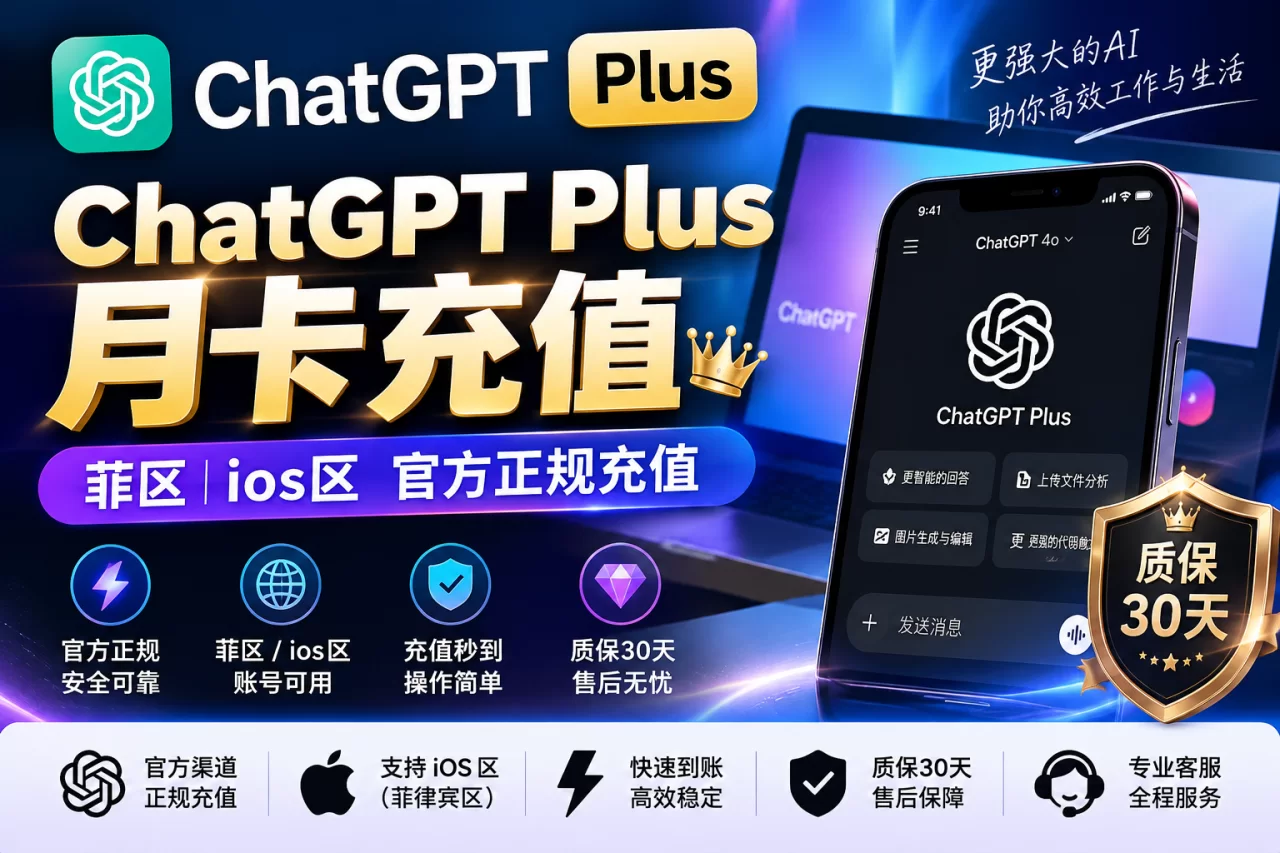
ChatGPT Plus Top-up (PH region card · 1 month)
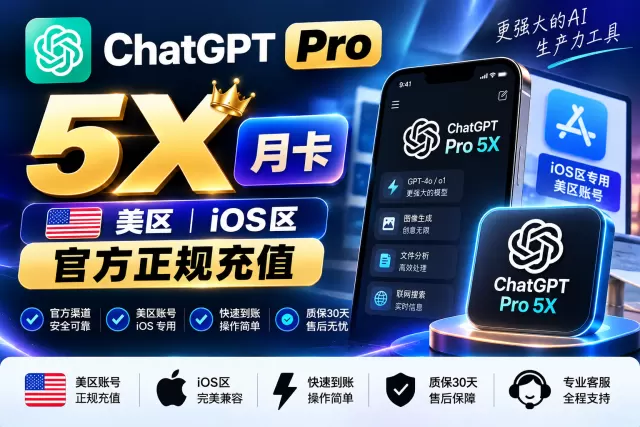
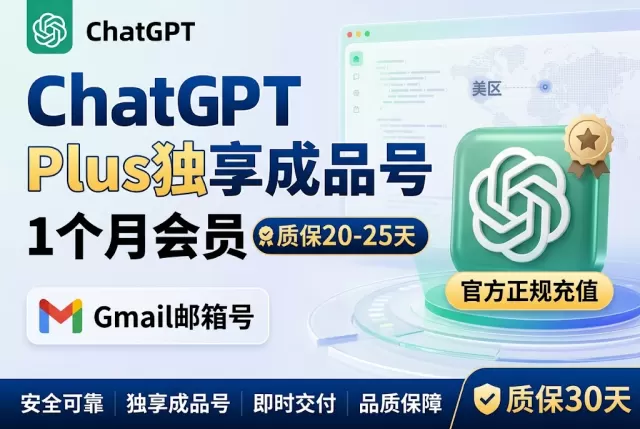
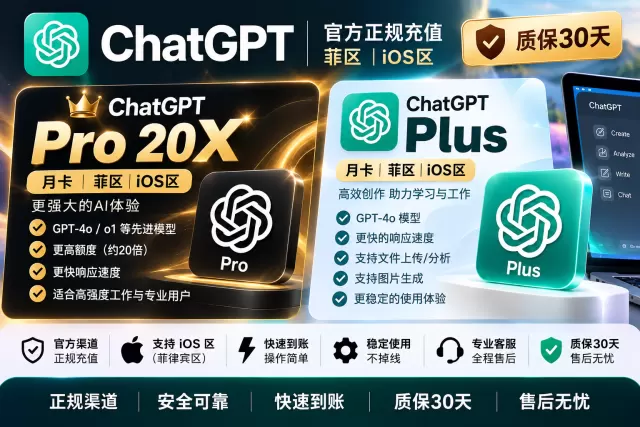
ChatGPT Plus Monthly Card | PH Region iOS Region Official Legit Recharge [30-Day Warranty]
📖 Must-read before ordering: How much is ChatGPT Plus top-up · Delivery time · After-sales scope (full guide)Choose a payment method, including Alipay / WeChat and more
After submission, support verifies your info and activates during business hours
Ready to use once activation is complete
Product description
ChatGPT Plus Official card direct top-up code (PH region). After successful payment, the systemautomatically issues the code, credited in seconds; after completing redemption per the page prompts, the subscription takes about 15 minutes–1 to take effect within hours, all withoutno account or password needed.
Specifications
- Product Name: ChatGPT Plus Recharge Code (PH Region Warranty)
- Brand / Version:ChatGPT Plus
- Product type: code
- Delivery method: automatic delivery (system issues the code immediately after payment)
- Code issuance time: issued in seconds after payment; redemption takes effect in about 15 minutes–1 Hours
Steps
- Confirm the specification and place your order; after successful payment the system automatically issues the code
- Copy the code on the order page, open the redemption entry and paste it
- Bind your ChatGPT account per the redemption page prompts
- After confirming redemption, wait for it to take effect, then check the expiry time on the official billing page
FAQ
- Is this for topping up an existing account, or buying a ready-made account? This product tops upyour own existing accountto activate Plus; what's delivered is a code that you redeem yourself; it is not a ready-made account, and you don't need to hand over your account. If you need a ready-made account, please choose the "ChatGPT Plus ready-made account" product.
- Do I need to provide a password? No. No account or password is needed at any point; you complete the redemption yourself on the redemption page.
- What if redemption fails? First check per the "Pre-order notice" that the account has no active subscription; if it still fails, contact customer service with your order number for verification and handling.
Before you order
- The account must not have an active subscription (GO / PLUS / PRO are all not allowed)
- The original subscription must be fully expired and auto-renewal canceled
- Do not log out of the account or submit repeatedly during redemption processing
After-sales & Guarantee
- 30-day subscription after-sales service after successful redemption, rules follow the official policy
- Risk control or bans caused by the account's own status or violating usage are not covered by after-sales service
- You can check order progress yourself via order number + query credential
Related buying guide
Self-service redemption address: https://cdkhub.vip
Backup redemption address: https://easysub.site
After entering the website, enter the card code issued with your order and follow the page prompts to complete self-service redemption.
Redemption steps:
1. Enter and verify the CDK: Enter the CDK card code and the system will validate it.
2. Log in and confirm the target account: Follow the page instructions and provide the account information to be activated.
3. Check the information and submit activation: After confirming the account and subscription plan are correct, submit the redemption request.
Virtual goods are non-refundable once delivered. If delivery fails due to our reasons, a full refund will be issued.
Enter on redemption site CDK → Bind ChatGPT account → Confirm redemption for automatic activation, a 70-second video shows every step. Also includes a pre-purchase account checklist, official billing download, and after-sales scope details. We recommend reading fully before ordering.
View full tutorial →How long after ordering is delivery?
For manually activated products, after order submission and payment, support verifies your info and completes activation during business hours. Once activated, it's ready to use.
Where can I find my card code / redemption info?
After successful payment, it displays directly on the order page. You can also copy it anytime from "User Center → My Card Codes"; manually activated products take effect immediately after activation, no redemption needed.
Which payment methods are supported?
We support multiple payment channels such as Alipay and WeChat. You can choose on the checkout page, and delivery is triggered automatically after payment.
Is there after-sales support?
Yes. If normal usage issues occur within the after-sales period stated on the product, you can submit your order number and issue screenshots via "Online Support" or "User Center → Tickets". We handle them per the product page after-sales terms; see the "After-sales Terms" tab above for detailed rules.
Can I get a refund?
Virtual goods cannot be refunded without reason once delivered; if the card code itself is invalid, please contact support within 24 hours with your order number and error screenshots for verification.
How do I contact support if I have issues?
Click the customer service bubble in the bottom right corner or "Online Support" in the footer, or go to "User Center" → Tickets"; live support hours are 13:00–01:00. Outside these hours, leave a message and we'll handle it as soon as we're back.